Udyam registration is the Government of India's online registration process for micro, small and medium enterprises. The application is free, paperless and based on self-declaration. The safest approach is to prepare the business details first, check them against tax and identity records, and apply only through the official Udyam Registration portal.
The portal warns that no private website, app, agency or person is authorised to undertake MSME registration. Avoid lookalike sites, do not pay a government registration fee and do not share an Aadhaar OTP with an unknown intermediary.
Check the current MSME classification
The revised classification has applied since 1 April 2025. It uses both investment in plant and machinery or equipment and annual turnover.
According to the Ministry of MSME:
- a micro enterprise has investment up to ₹2.5 crore and turnover up to ₹10 crore;
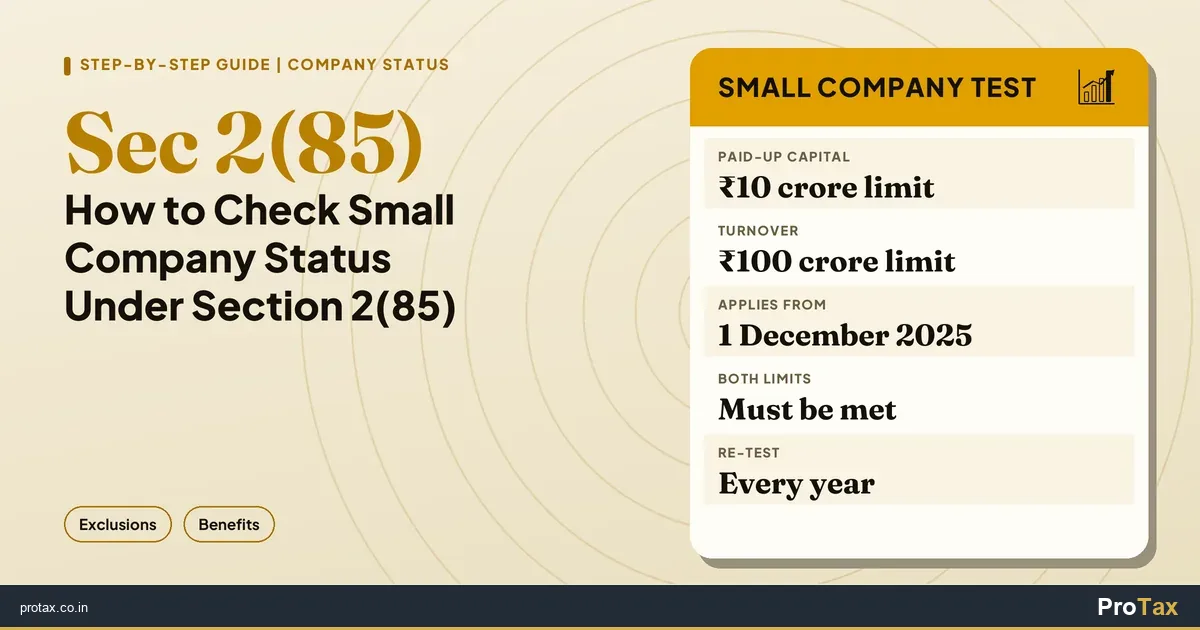
- a small enterprise has investment up to ₹25 crore and turnover up to ₹100 crore;
- a medium enterprise has investment up to ₹125 crore and turnover up to ₹500 crore.
Manufacturing and service enterprises use the same composite criteria. Review the latest figures on the Ministry of MSME classification page before applying or relying on a classification.
PAN and GST-linked investment and turnover details are drawn from government databases. An enterprise should not choose a category merely from an estimate when tax data is available.
Identify the correct Aadhaar holder
The Aadhaar number used depends on the legal form of the enterprise.
The official guidance identifies:
- the proprietor for a proprietorship;
- the managing partner for a partnership firm;
- the karta for a Hindu undivided family;
- the authorised signatory for a company, LLP, cooperative society, society or trust, along with the organisation's PAN and applicable GSTIN.
Match the name entered on the portal to the Aadhaar record. A spelling or name-order difference can interrupt validation.
The Aadhaar holder should complete the consent and OTP step personally. Keep the registered mobile available before starting.
Reconcile PAN and GSTIN information
Check the enterprise name, PAN status and legal form before opening the application. For a company or LLP, use the entity's PAN rather than a director's or partner's personal PAN.
The official portal states that PAN and GSTIN are required according to the applicable rules. It also draws linked investment and turnover information from Income Tax and GST systems.
If the business has a GST registration, compare the legal name, trade name and principal place details with the information you plan to enter. Resolve obvious mismatches before submission instead of creating conflicting government records.
Udyam registration does not replace GST registration, company incorporation, a shop and establishment registration or a sector licence. Each registration has its own purpose and conditions.
Prepare the business profile
Although the Udyam process does not require applicants to upload documents or certificates, the form still asks for accurate information. Prepare a short business profile that can be checked before entry.
Include:
- legal name and type of organisation;
- date of commencement;
- official address and contact details;
- plant or unit locations;
- bank account number and IFSC;
- major business activities;
- National Industrial Classification codes;
- number of persons employed;
- PAN and GSTIN details where applicable.
Use the activity actually carried on by the enterprise. The portal allows manufacturing, services or both to be added under one registration.
Review the NIC description rather than selecting a code because its title looks close. A business with several activities should identify the main activity and add the relevant supporting activities.
Use one registration for the enterprise
The official guidance says an enterprise should not file more than one Udyam Registration. Multiple manufacturing or service activities can be included in the same registration.
Before creating a new application, check whether the business already has Udyam, Udyog Aadhaar Memorandum or another earlier MSME registration. The portal provides separate routes for new registration and migration.
A duplicate application can create confusion when a bank, customer or department asks for the current certificate. Keep the registration number with the enterprise's permanent records.
Review before final submission
Read the declaration and confirm every entry. Self-declaration does not remove responsibility for accuracy. The official guidance notes that intentional misrepresentation or suppression of facts can attract the penalty provided under the MSMED Act.
Use this final review:
- The legal form matches the PAN and incorporation or partnership records.
- The Aadhaar belongs to the correct person for that legal form.
- The enterprise name matches the relevant government database.
- The GSTIN is included where applicable.
- Address and unit details are current.
- Bank details belong to the enterprise or proprietor as appropriate.
- Activity descriptions and NIC codes reflect actual operations.
- Contact details are controlled by the business.
- No second Udyam registration exists for the same enterprise.
Save a copy of the submitted information if the portal provides it.
Check the certificate after registration
The government portal issues a permanent registration number and an online certificate with a dynamic QR code. Its guidance states that the registration does not need renewal.
Download the certificate from the official portal and verify the displayed enterprise details. Store the certificate and registration number with the permanent business records.
Registration details still need attention when the business changes. Review the portal record after changes to the address, units, activities, contact information or organisation data, and use the official update route where required.
Classification can also change as linked investment and turnover data changes. Treat the certificate as a current government record, not a one-time document that can be ignored.
Avoid common registration mistakes
A third-party website that charges for a certificate is not the official portal. Check the domain carefully before entering Aadhaar, PAN or OTP information.
Other avoidable errors include using a director's PAN for a company, selecting an unrelated NIC code, filing a duplicate registration and entering an address that no longer matches the business.
Do not claim every MSME scheme or lending benefit solely because the enterprise has a Udyam certificate. Each scheme, tender, lender or delayed-payment remedy can have separate eligibility and evidence requirements.
Where professional support fits
ProTax's Registrations & Amendments service can help a business map its legal records, tax registrations and activity details before an application or update.
The Udyam application itself should be submitted through the official government portal. Support should focus on checking information, resolving mismatches and keeping a clean registration file. The business should control its OTP and final declaration.
Frequently asked questions
Is there a government fee for Udyam registration?
No. The official portal states that Udyam registration is free.
Are document uploads required?
The official process is paperless and based on self-declaration, with no documents or proof uploaded for registration. Applicants still need accurate source records to complete and check the fields.
Can one business register manufacturing and service activities?
Yes. The portal states that any number of manufacturing or service activities, or both, may be added under one Udyam Registration.
Does Udyam registration expire?
The official portal states that no renewal is required. The enterprise should still keep its information current and monitor its classification.